Best Bluetooth Trackers and Key Finders 2026
We compared the best Bluetooth trackers and key finders from the Life360 Tile lineup for keys, wallets, luggage, remotes and everyday gear. This guide covers tracker shape, pack size, phone finding, SOS features, app compatibility and the practical range limits of Bluetooth item finders.
We may earn a commission from links on this page.


Top Picks Compared
1. Life360 Tile Pro Bluetooth Tracker 4-Pack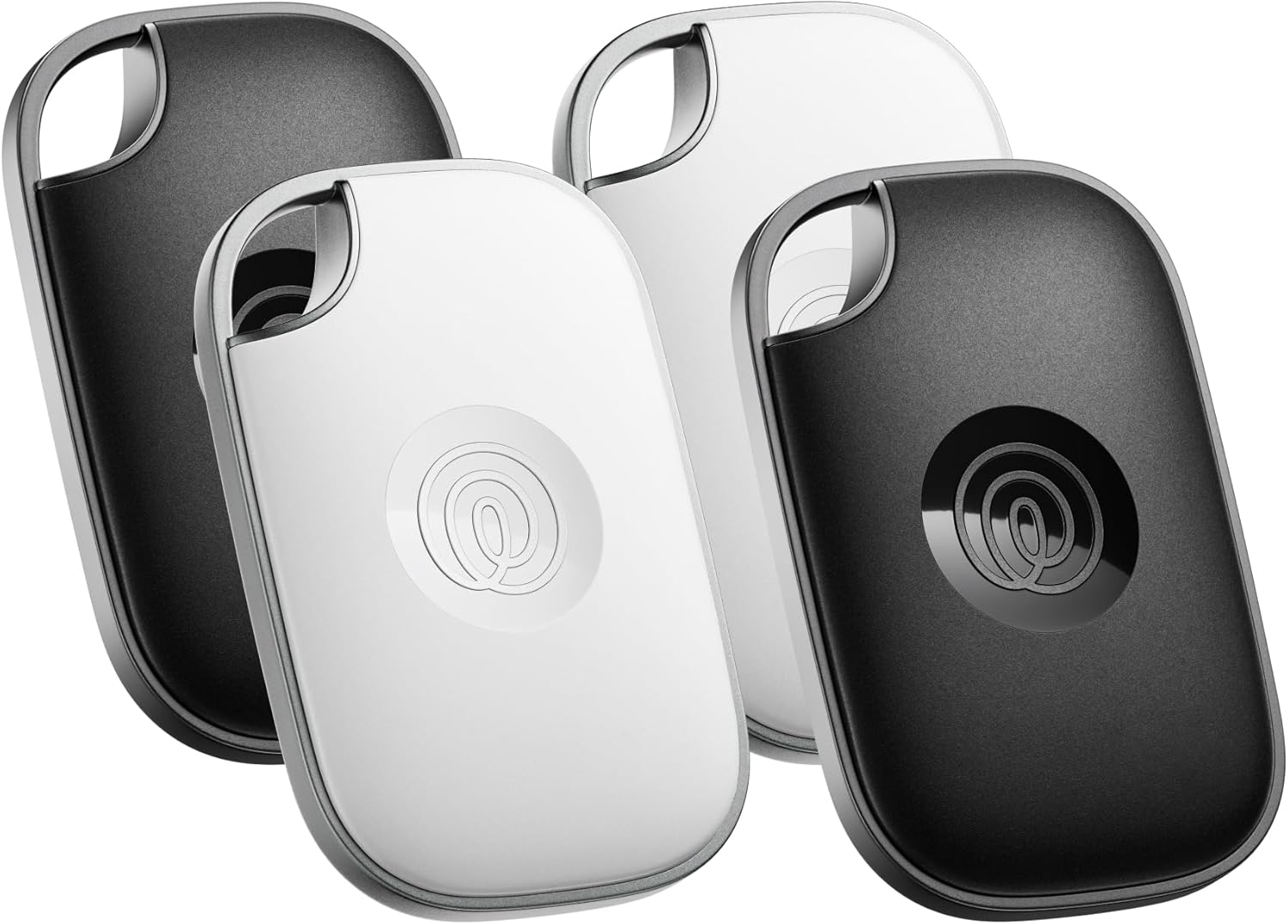 LIFE360 | 2. Life360 Tile Essentials Bluetooth Trackers 4-Pack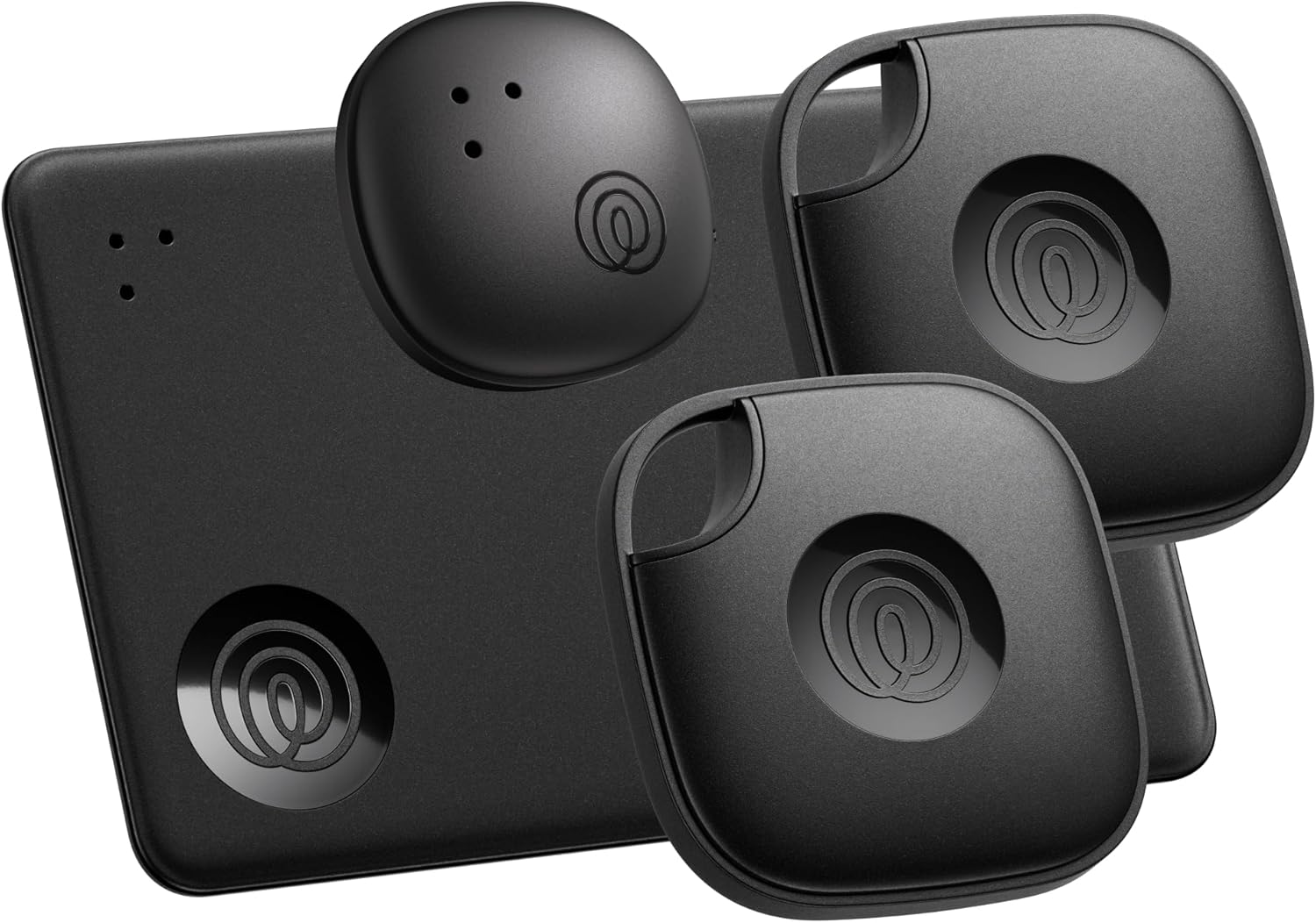 LIFE360 | 3. Life360 Tile Bluetooth Tracker 4-Pack Black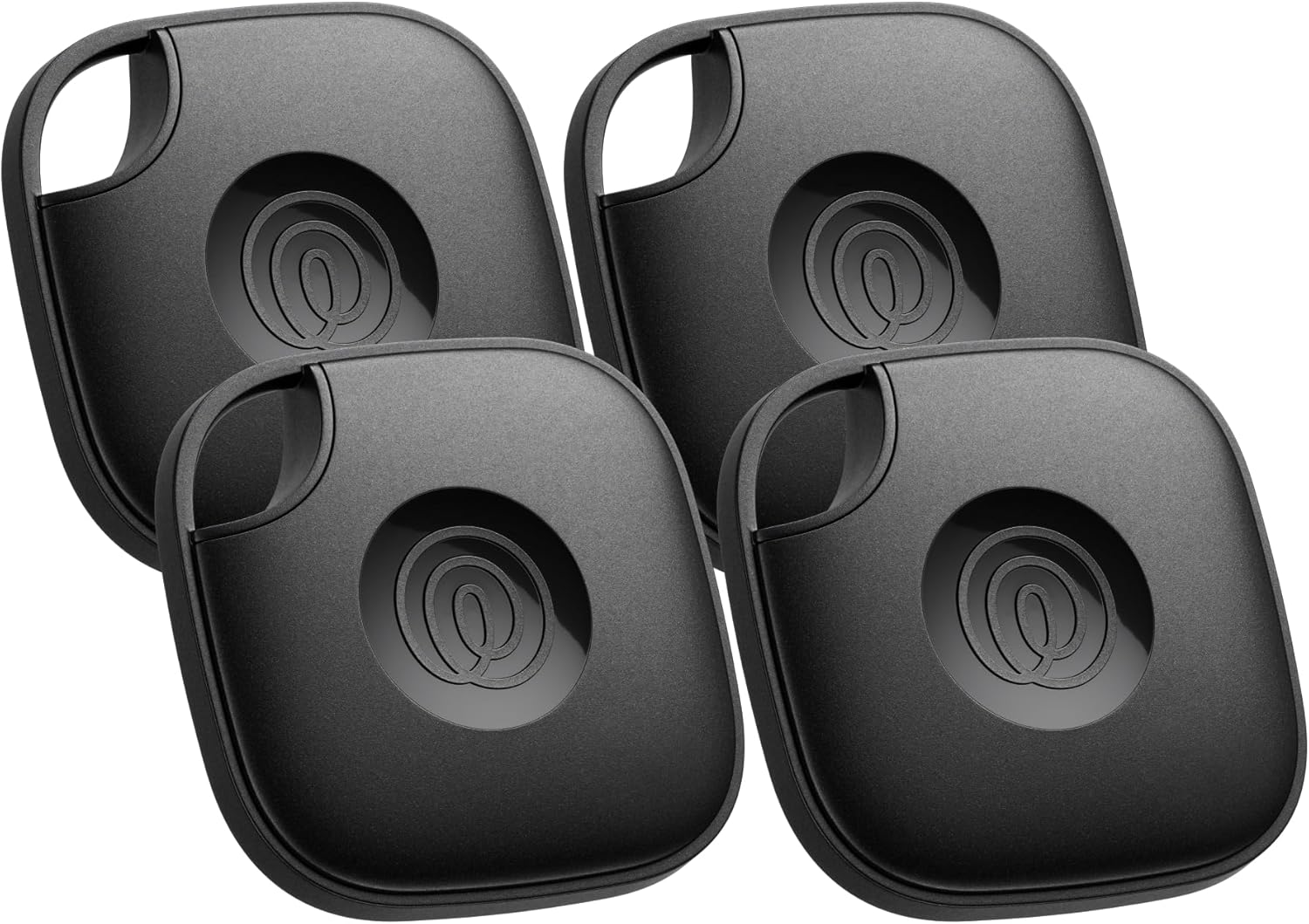 LIFE360 | 4. Life360 Tile Starter Pack Mate and Slim 2-Pack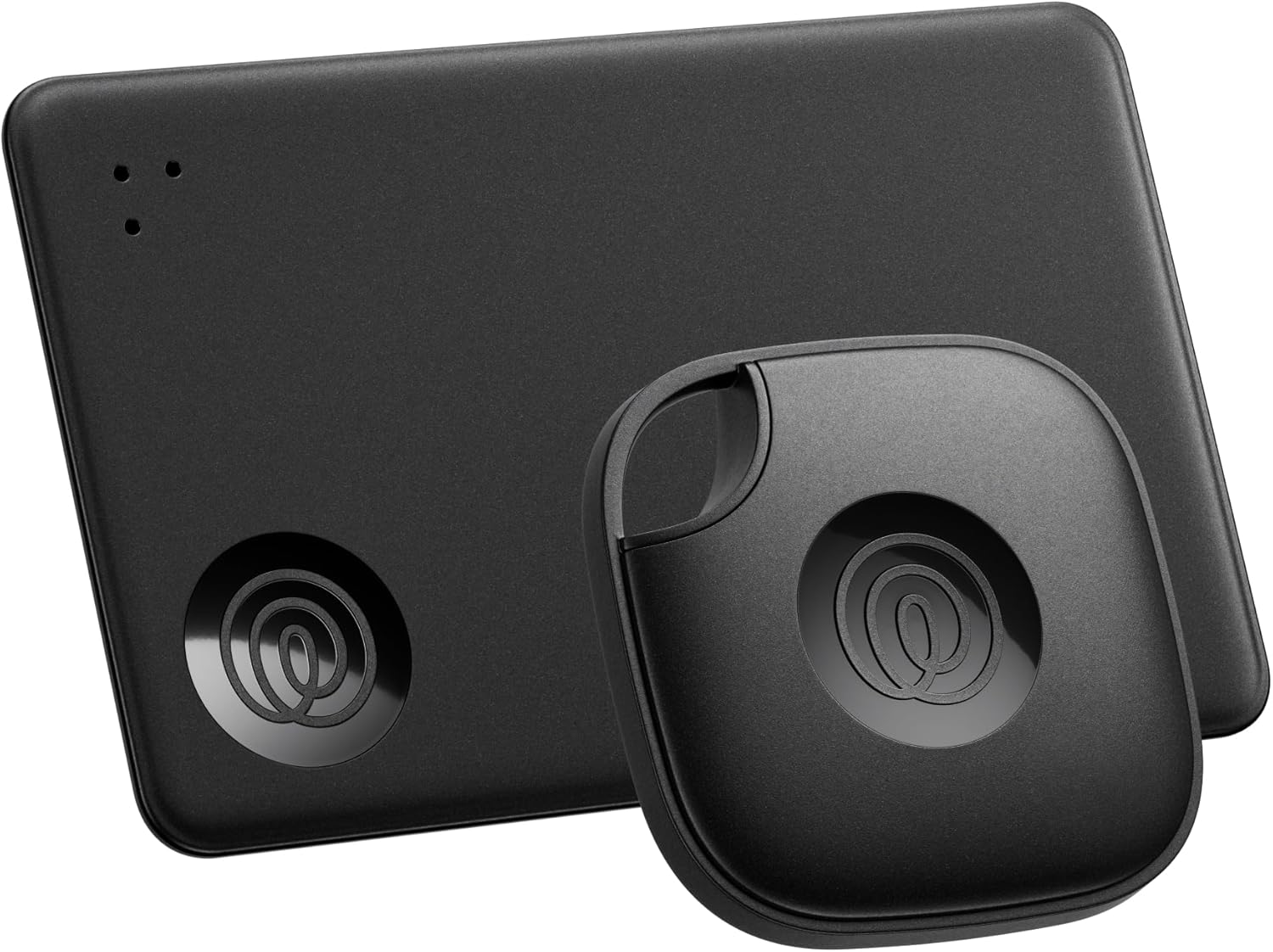 LIFE360 | 5. Life360 Tile Bluetooth Tracker 2-Pack Black and White LIFE360 | |
|---|---|---|---|---|---|
| Our Score | 9.5 | 9.2 | 9 | 8.9 | 8.7 |
| Deal | — | — | — | — | — |
| Brand / Store | Life360 Tile | Life360 Tile | Life360 Tile | Life360 Tile | Life360 Tile |
| Form Factor | Tile Pro | Mate, Slim and Sticker | Tile | Mate and Slim | Tile |
| Pack Size | 4-pack | 4-pack | 4-pack | 2-pack | 2-pack |
| Best For | Keys, bags and gear | Mixed household items | Everyday valuables | First-time buyers | Two essentials |
| Phone Compatibility | iOS and Android | iOS and Android | iOS and Android | iOS and Android | iOS and Android |
| Phone Finder | Yes | Yes | Yes | Yes | Yes |
| SOS Feature | Yes | Yes | Yes | Yes | Yes |

Bluetooth Tracker Buying Guide
The best Bluetooth trackers turn a phone app into a quick way to find keys, wallets, luggage and other everyday items. Tile trackers use Bluetooth for nearby finding and a crowd-assisted network for updates when an item is farther away. Before choosing a Bluetooth item finder, consider the object you will attach it to, the number of items you want to protect, phone compatibility and whether a paid service is required for any advanced features.
Choose the Right Tracker Shape
A standard Tile tracker works well on key rings, bags and equipment. Tile Slim is designed for wallets, passports and luggage tags where thickness matters. A mixed pack such as Tile Essentials is useful for households because it combines shapes, while a single Tile is the simplest choice when you only need to protect one item.
How Bluetooth Item Finders Actually Work
When your tracker is within Bluetooth range, the app can show its last connection and make the Tile play a sound. When it is out of range, location updates depend on other compatible phones detecting the tracker. That means a Bluetooth tracker is not the same as a standalone GPS device: it does not provide continuous live location everywhere.
Pack Size and Cost per Tracker
A 4-pack lowers the cost per tracker and makes sense for several keys, bags or family members. A 2-pack is a practical starting point for a key and wallet. Buy a 1-pack when you need a specific color or want to test the app first. Compare the total pack price, not just the headline discount.
Phone Compatibility and the Life360 App
These Tile products support both iOS and Android, but app permissions still matter. Enable Bluetooth, nearby-device access and notifications so finding works reliably. Life360 integration can place your Tiles and family members on one map, while the basic Tile app remains useful for item and phone finding.
Phone Finder, SOS and Safety Features
Most products in this list offer two-way finding: press the Tile button to ring a phone, or use the app to ring the tracker. The listings also describe an SOS function through the Life360 safety experience. Treat SOS as an additional way to alert trusted contacts, not as a replacement for emergency services or a dedicated personal safety device.
Battery, Range and Everyday Durability
Check whether the exact Tile model uses a replaceable battery or a sealed rechargeable design, then plan for replacement or disposal. Bluetooth range varies with walls, metal, interference and phone placement. Attach the tracker firmly, keep the speaker opening clear and test the sound from the rooms where you most often lose an item.
Privacy and Subscription Considerations
Review unwanted-tracking alerts and account-sharing settings before giving a tracker to another person. Tile products can be used without a paid plan for core item finding, while Life360 memberships may add broader family safety features. Read the current plan terms and app privacy controls before activating optional services.
How to Set Up a Key Finder or Bluetooth Tracker
- Install the Tile or Life360 app and create an account with a current email address.
- Turn on Bluetooth, location services and notifications, then follow the pairing prompt.
- Name each tracker by the item it protects, such as house keys, passport or camera bag.
- Attach it where the button and speaker remain accessible and run a test ring from nearby rooms.
- Enable unwanted-tracking alerts and review which family members can see shared items.
- Replace or recharge the battery according to the exact model instructions and keep the app updated.
Best Bluetooth Tracker FAQ
Life360 Tile Pro is the strongest choice when you want the most powerful tracker in a multi-pack. The standard Tile 2-pack or 4-pack is a simpler value option for everyday keys.
No. Tile uses Bluetooth for nearby finding and a participating-device network for updates farther away. It does not offer continuous GPS location like a cellular GPS tracker.
Tile Slim is the best fit because its thin shape is designed for wallets, passports and luggage tags. Check the wallet pocket thickness before ordering.
Yes. The supplied products are listed as compatible with both iOS and Android. Enable the app permissions requested during setup for reliable alerts and finding.
Core item and phone finding works without a required subscription. Optional Life360 plans may add family safety features, so verify current pricing and plan benefits before subscribing.
Get weekly top picks
Data-ranked products delivered to your inbox every week. Skip the research, get the winners.
No spam ever. Unsubscribe anytime. We respect your inbox.