Best Digital Family Calendars and Smart Wall Planners
Compare the best digital family calendars for shared schedules, chore charts, meal planning, and photo display. We evaluated screen size, calendar sync, family-planning tools, placement, and smart features across six popular electronic calendars.
We may earn a commission from links on this page.

Top Picks Compared
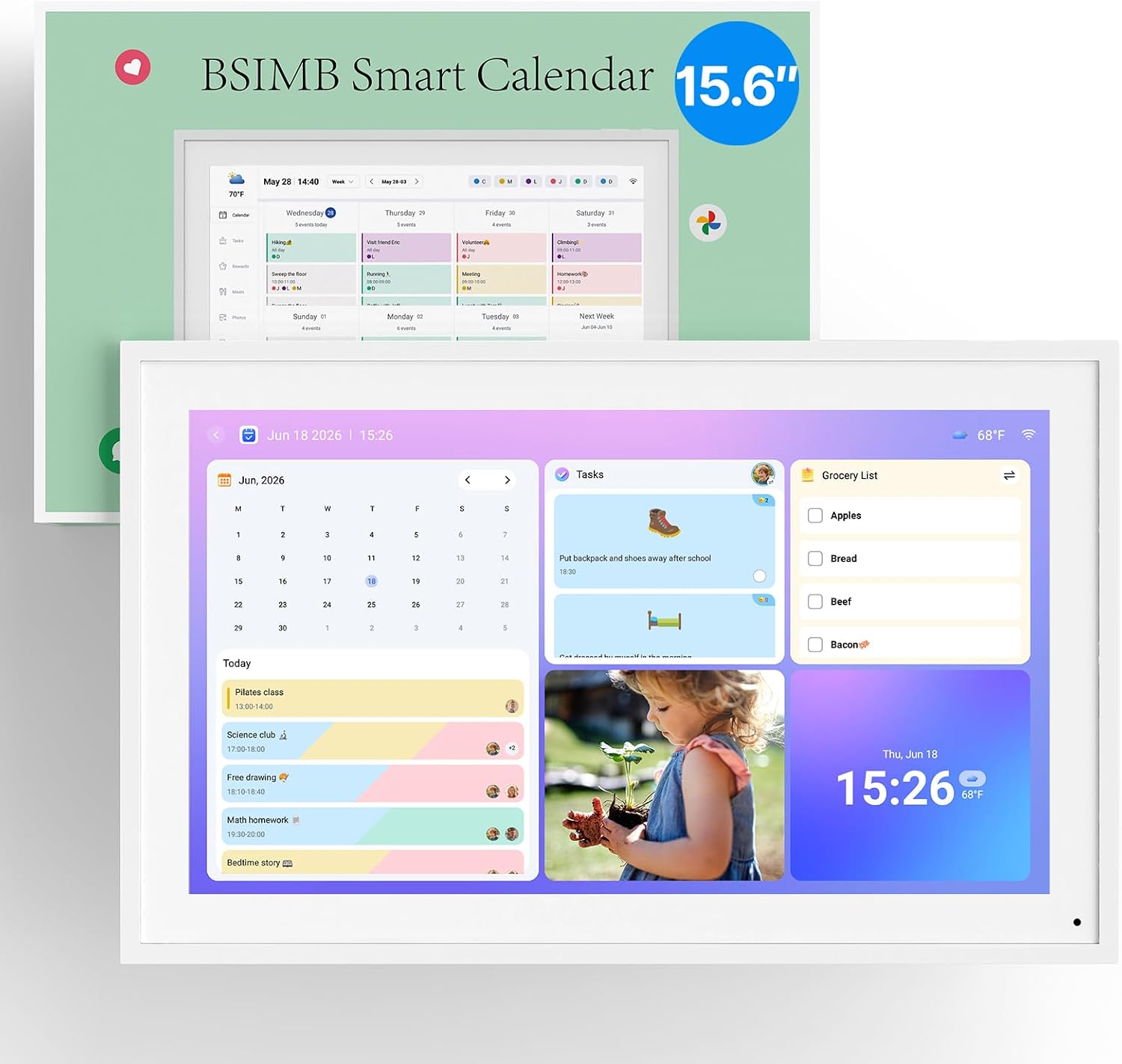
1. ApoloSign 21.5-Inch Digital Calendar and Smart Wall Planner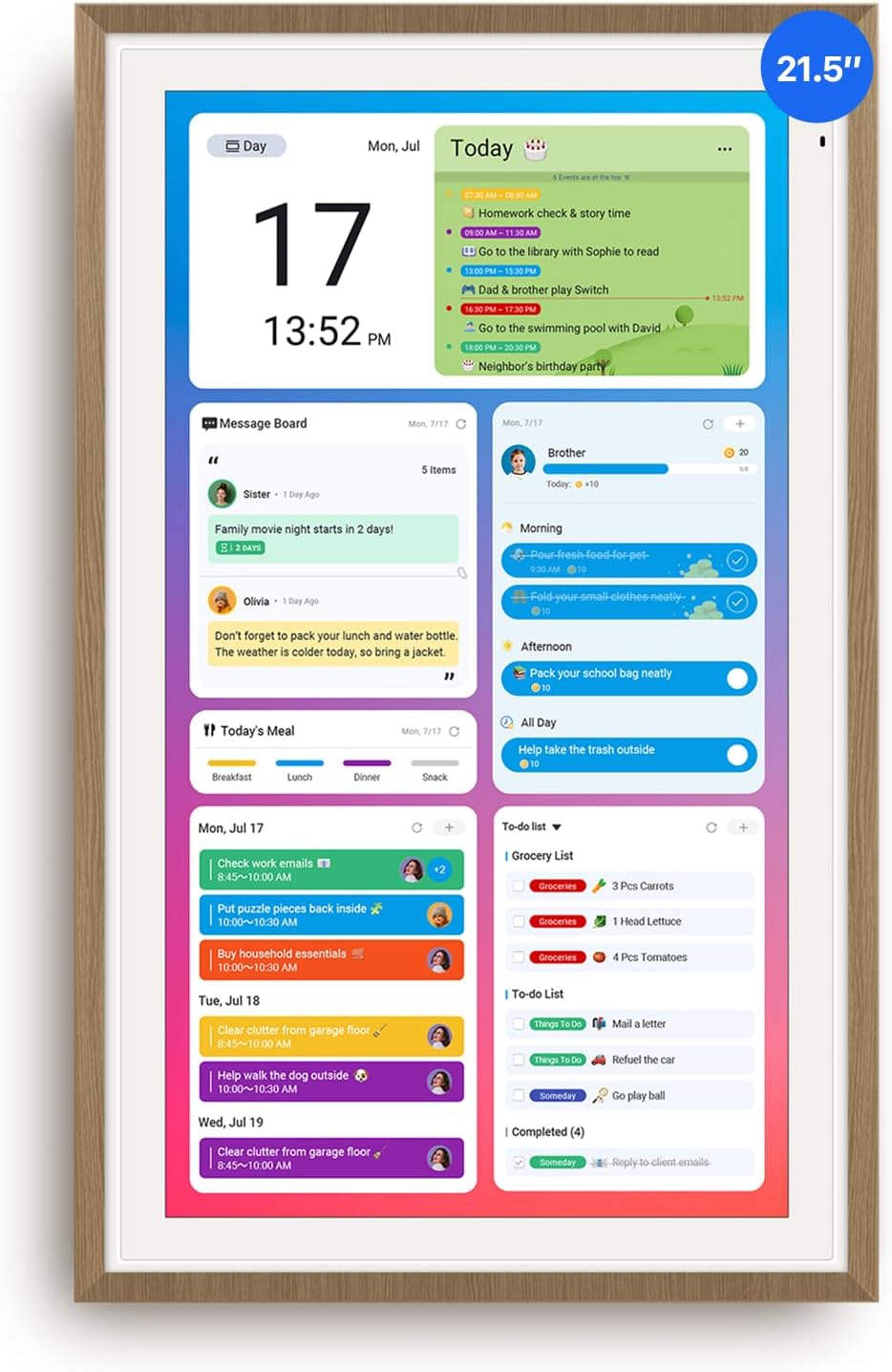 APOLOSIGN | 2. ApoloSign 15.6-Inch Digital Calendar and Smart Wall Planner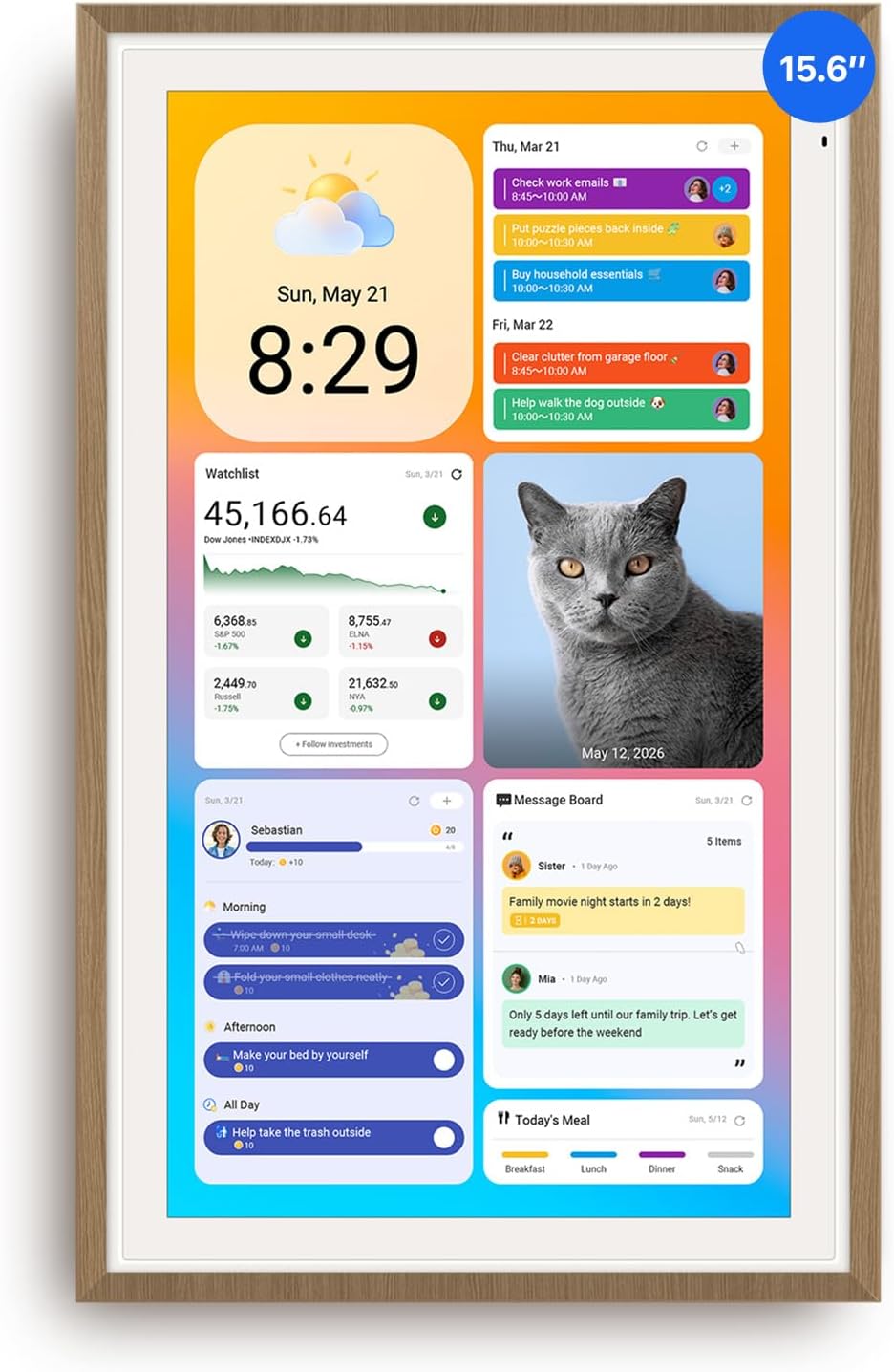 APOLOSIGN | 3. Linkdaze 15.6-Inch Digital Wall Planner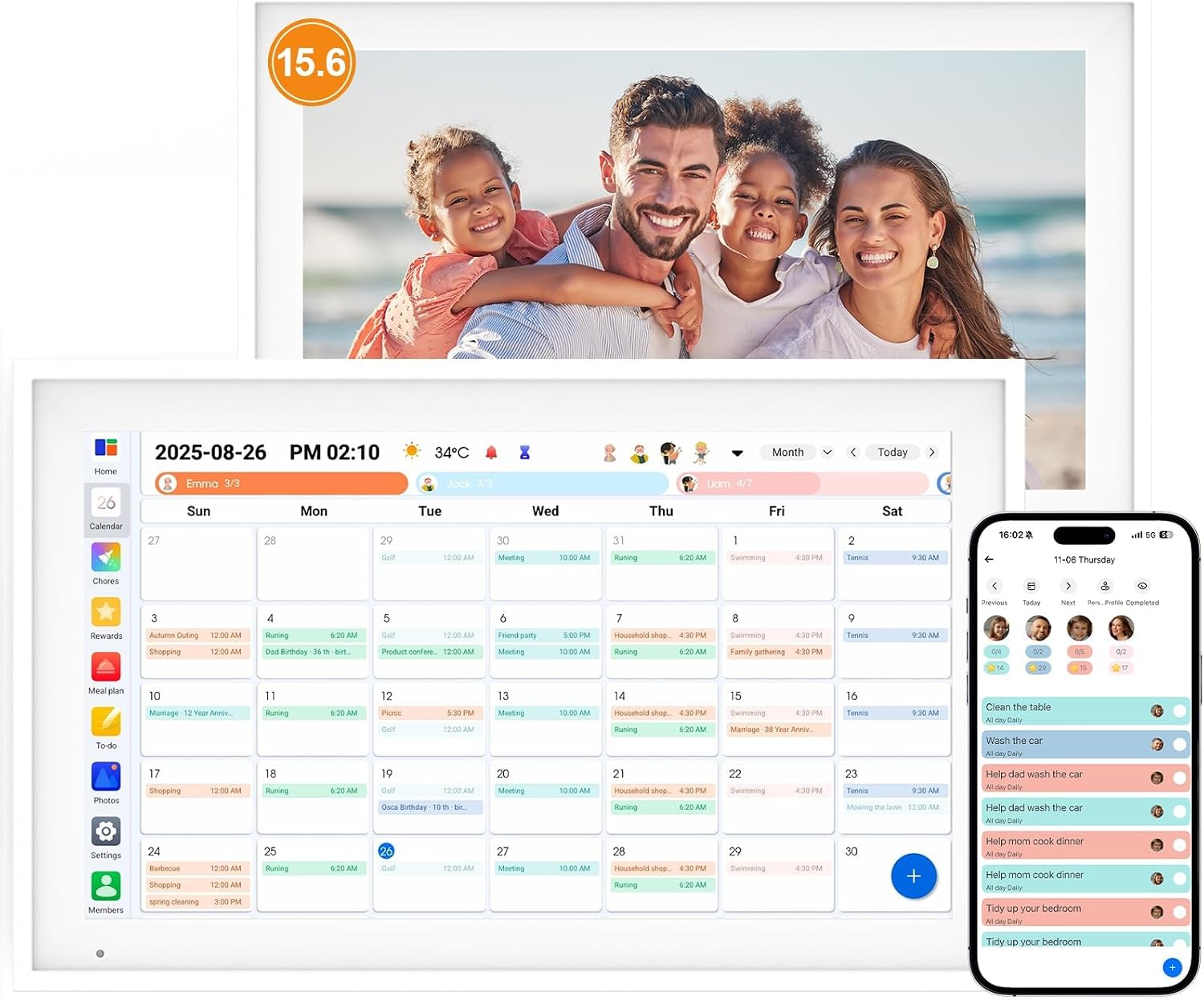 LINKDAZE | 4. Linkdaze 10.1-Inch Smart Digital Calendar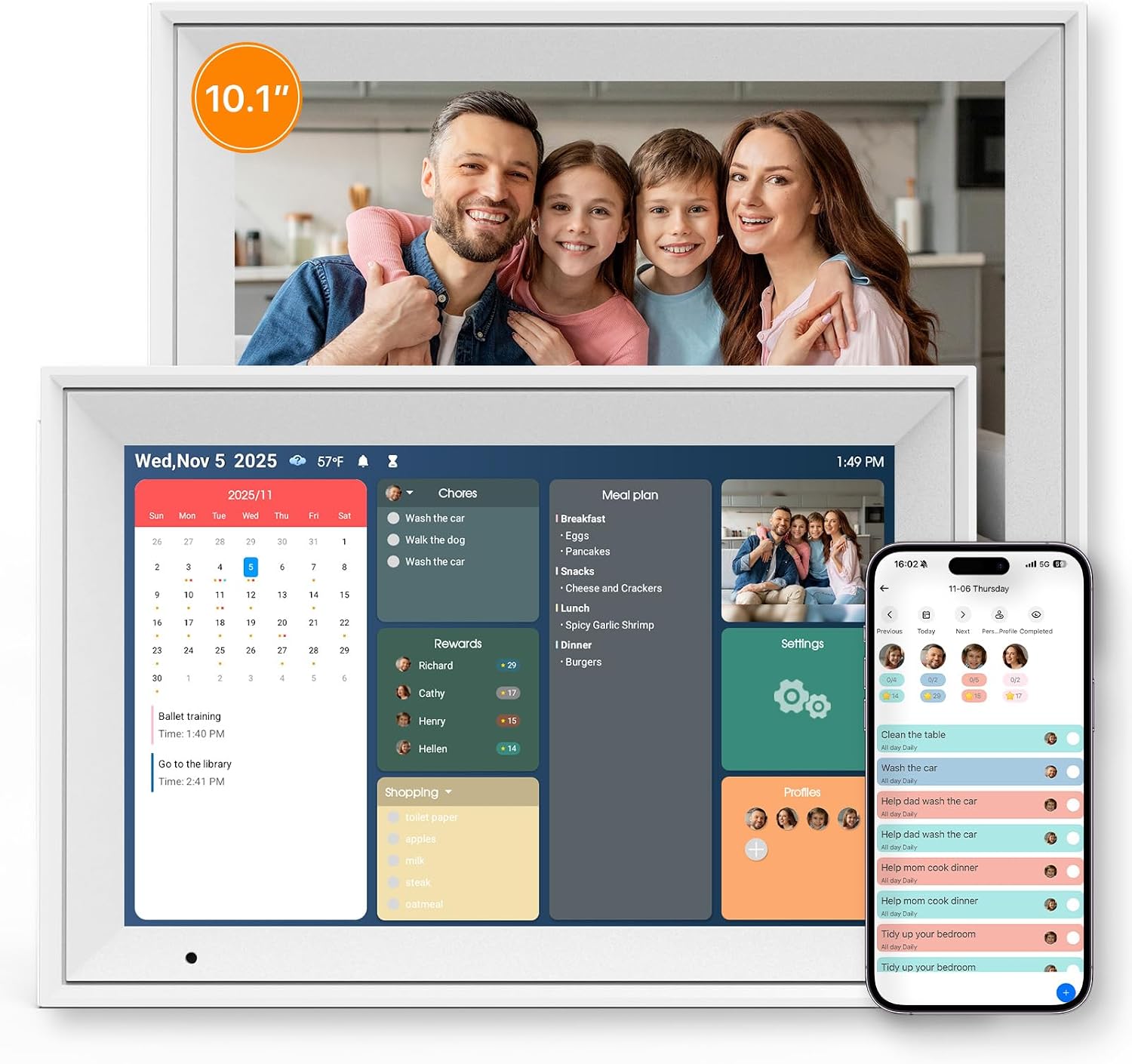 LINKDAZE | 5. ApoloSign 14.1-Inch Neon Light Digital Picture Frame and Desk Calendar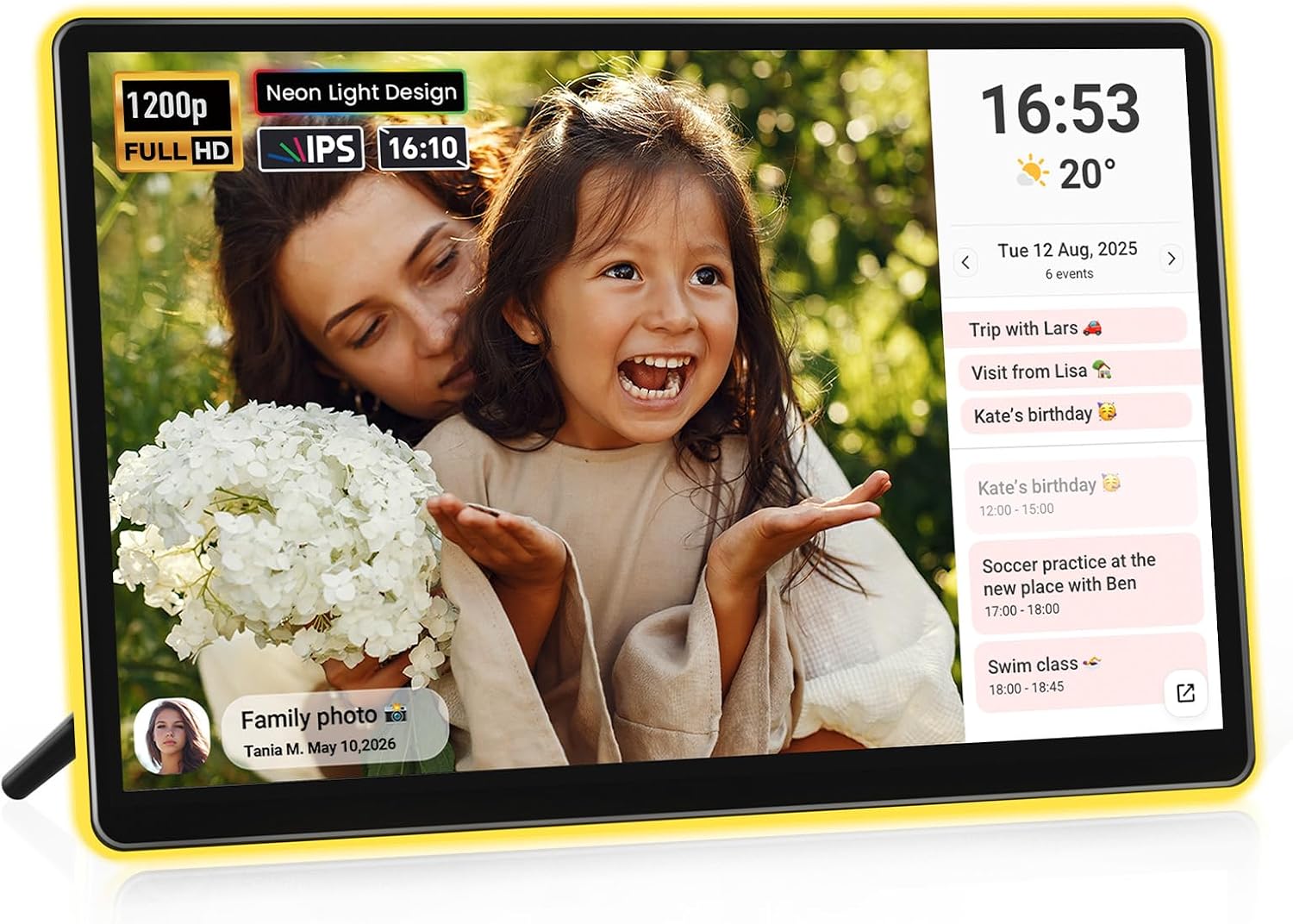 APOLOSIGN | |
|---|---|---|---|---|---|
| Our Score | 9.7 | 9.5 | 9.2 | 9 | 8.8 |
| Deal | — | — | — | — | — |
| Display | 21.5-inch touchscreen | 15.6-inch touchscreen | 15.6-inch touchscreen | 10.1-inch IPS touchscreen | 14.1-inch touchscreen |
| Resolution | HD (exact resolution not listed) | HD (exact resolution not listed) | 1920 x 1080 | 1280 x 800 | 1920 x 1200 |
| Calendar Sync | Google, iCloud, Outlook | Google, iCloud, Outlook | Google, iCloud, Outlook and more | Google, Outlook; URL sync for iCloud, Cozi, Yahoo | Auto-synced schedule via Frameo |
| Planning Tools | Chores, meals, lists, rewards | Chores, meals, lists, rewards | Chores, meals, lists, rewards | Chores, meals, lists, rewards | Basic desk calendar |
| Photo Frame / Storage | Google Photos slideshow | Google Photos slideshow | Yes, 64GB storage | Yes, 32GB storage | Yes, 32GB storage |
| Placement | Wall mount included | Countertop stand | Wall or countertop | Countertop or desk | Desk or countertop |
| Platform / App | Calendar mode + Android | Calendar mode + Android | Android-based | AiMOR app ecosystem | Frameo app |

Digital Family Calendar Buying Guide
The best digital family calendar should make the household schedule easier to scan and update, not add another complicated screen. Start with where the smart wall planner will live, who needs to edit it, and which calendar services your family already uses. Then compare display size, sync direction, planning tools, app access, and any ongoing subscription costs.
Choose the Right Digital Calendar Screen Size
A 10.1-inch digital calendar is compact enough for a desk, sideboard, or small kitchen counter, but appointments may be harder to read across a room. A 15.6-inch electronic family calendar is the practical middle ground for most kitchens. A 21.5-inch smart wall calendar offers better at-a-glance visibility for large families, though it needs more wall space and a nearby outlet.
Check Calendar Sync Before You Buy
Confirm support for every calendar your household uses, including Google Calendar, Apple iCloud, Microsoft Outlook, Cozi, or Yahoo. Two-way sync is especially useful because changes made on the touchscreen return to the original calendar. URL or subscription-based sync may be one-way or refresh less frequently, so verify the current app documentation when that distinction matters.
Compare Chore Charts, Meal Plans, and Family Tools
Digital family calendars often bundle color-coded profiles, chore charts, rewards, meal planners, grocery lists, and to-do lists. Choose the tools your family will actually maintain. For younger children, a visible star or points system can make routines easier to follow; for adults, fast event entry and reliable reminders usually matter more than decorative extras.
How to Compare Smart Wall Planners
Wall Mount, Countertop Stand, and Power Location
Most smart wall planners require continuous wired power. Measure the device, confirm that the included mount or stand suits the intended location, and plan how the cable will reach an outlet. A wall-mounted digital calendar is easier to see, while a countertop model is simpler to move and usually easier for children to reach.
Resolution, Viewing Angles, and Photo Frame Quality
Resolution affects both calendar text and photo-frame detail. A 1280 x 800 panel is adequate at 10.1 inches, while 1920 x 1080 or 1920 x 1200 is preferable on larger screens. Also consider IPS viewing angles, glare control, automatic brightness, sleep schedules, portrait support, and how photos are uploaded.
Apps, Privacy, Updates, and Subscription Costs
A digital family calendar may store schedules, names, photos, and household routines in a vendor cloud. Review account security, sharing permissions, update history, and data controls before connecting calendars. Check whether useful features such as AI event import, advanced widgets, or remote management require a paid plan, because the Amazon purchase price may not represent the full long-term cost.
Who Should Buy a Digital Family Calendar?
- Busy households that combine school, work, appointments, activities, and meal plans in one shared schedule.
- Families that want a visible chore chart and rewards system instead of separate paper lists.
- Caregivers coordinating appointments and routines across multiple people or homes.
- Households already using several Google, Apple, Outlook, Cozi, or Yahoo calendars.
- Anyone who will also use the screen as a digital photo frame when the calendar is idle.
Digital Family Calendar FAQ
A digital family calendar is a connected touchscreen that combines shared schedules with household tools such as color-coded profiles, chore charts, meal plans, lists, reminders, and photo display. Most models sync with one or more existing online calendar services over Wi-Fi.
Many smart wall calendars support both Google Calendar and iCloud, but the sync method can differ. Google may support direct two-way sync, while iCloud may use a shared URL. Check the manufacturer's current compatibility instructions before purchasing.
A 10-inch digital calendar fits smaller counters and works well at close range. A 15-inch model is easier to read from across a kitchen and gives weekly views more room. Large households or wall installations may benefit from a 21-inch screen.
Core calendar and planning functions may be included, but some brands charge for AI imports, advanced tools, or cloud features. Subscription terms can change, so review the current app listing and product page before buying.
The screen may continue showing previously synced information without Wi-Fi, but calendar updates, remote edits, app features, photo uploads, and software updates generally require an internet connection.
Choose a high-traffic location that every family member can see and reach, such as a kitchen command center or hallway. Confirm wall clearance, viewing height, mounting hardware, and access to continuous power before installation.
Get weekly top picks
Data-ranked products delivered to your inbox every week. Skip the research, get the winners.
No spam ever. Unsubscribe anytime. We respect your inbox.