Best Digital Picture Frames
Compare the best digital picture frames for sharing family photos and videos over Wi-Fi. We evaluated screen size, resolution, storage, sharing apps, auto-rotation, setup, and subscription requirements across six popular smart photo frames.
We may earn a commission from links on this page.

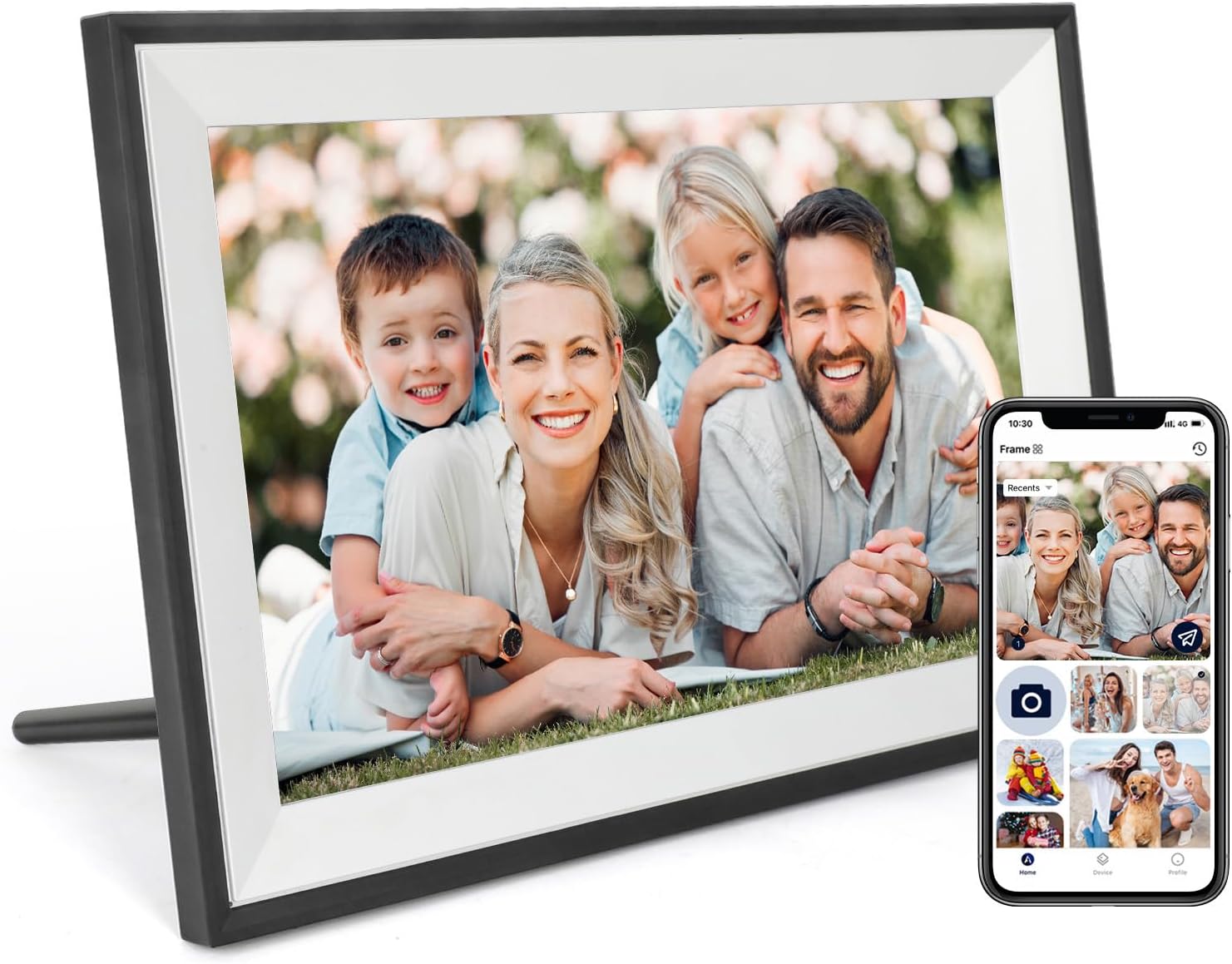
Top Picks Compared
1. Nixplay 10.1-Inch HD Wi-Fi Digital Picture Frame NIXPLAY | 2. ApoloSign 15.6-Inch Nixplay Digital Picture Frame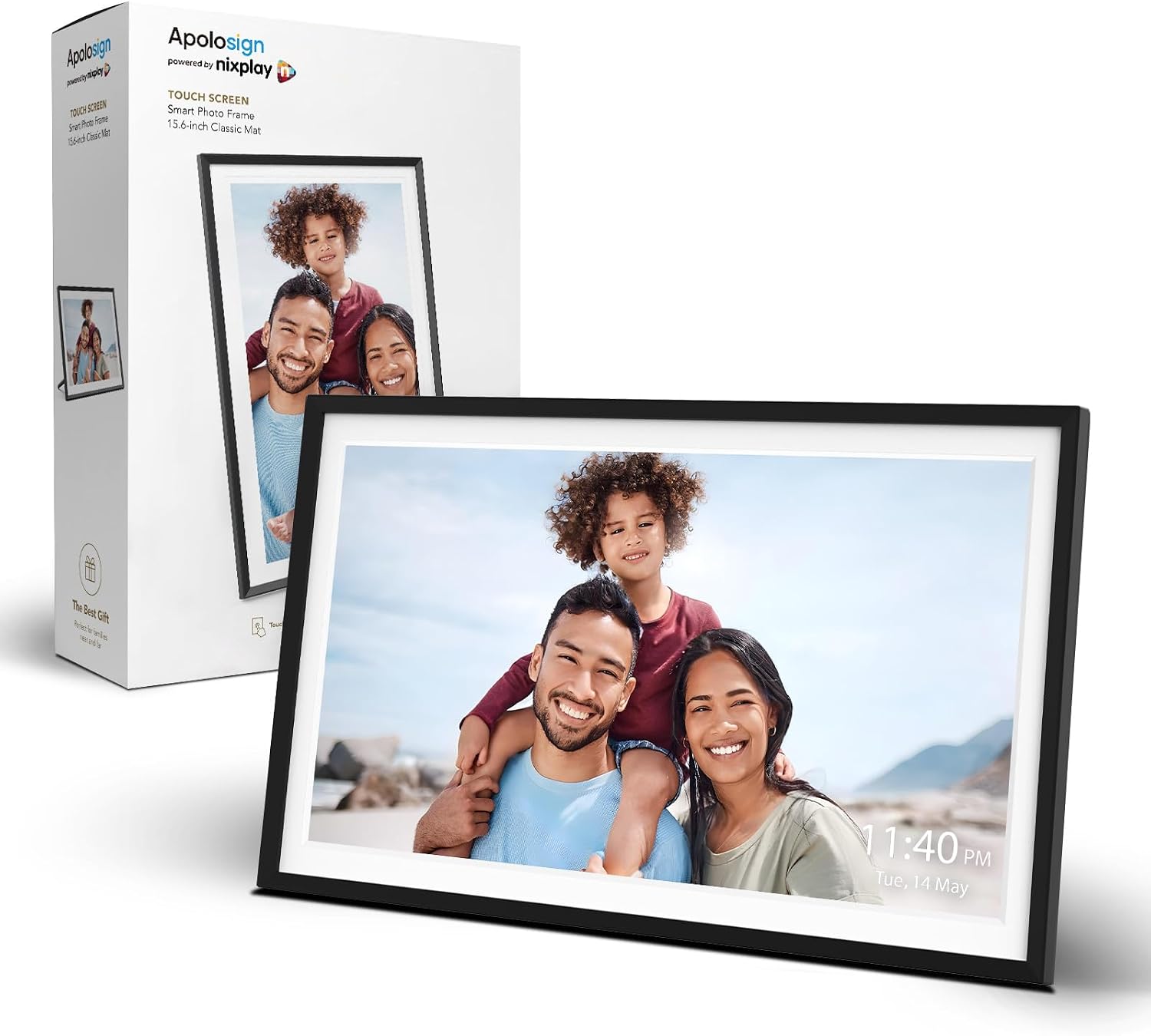 APOLOSIGN | 3. BSIMB 17-Inch Large Wi-Fi Digital Picture Frame BSIMB | 4. PhotoSpring 10-Inch No-Subscription Wi-Fi Digital Picture Frame PHOTOSPRING | 5. Linkdaze 10.1-Inch Wi-Fi Digital Photo Frame LINKDAZE | |
|---|---|---|---|---|---|
| Our Score | 9.8 | 9.7 | 9.6 | 9.5 | 9.4 |
| Deal | — | — | — | — | — |
| Screen | 10.1-inch touchscreen | 15.6-inch IPS touchscreen | 17-inch touchscreen | 10-inch touchscreen | 10.1-inch touchscreen |
| Resolution | 720p HD | 1920 x 1080 FHD | 1920 x 1200 FHD | 1280 x 800 | 1280 x 800 WXGA |
| Storage | Cloud storage | Free cloud storage | 64GB | 32GB | 32GB |
| Sharing Method | Nixplay app and email | Nixplay app | Mobile app | Email, app, web | AiMOR app |
| Auto-Rotation | Auto-rotation | Auto-rotation | Landscape or portrait | Not listed | Auto-rotation |
| Subscription | Check current Nixplay plan | Check current Nixplay plan | Not listed | No subscription | Not listed |

Digital Picture Frame Buying Guide
The best digital picture frame should make it effortless to display and refresh family memories. Compare screen quality, Wi-Fi sharing, local or cloud storage, video support, auto-rotation, and long-term subscription costs before choosing a smart photo frame.
Choose the Right Digital Photo Frame Size
A 10-inch digital picture frame fits desks, shelves, and bedside tables. A 15.6-inch or 17-inch digital frame is easier to see across a room and works better as a living-room or office focal point, but needs more counter or wall space.
Resolution and Viewing Angle Matter
For a 10-inch screen, 1280 x 800 HD is generally sharp enough for everyday photos. Larger digital photo frames benefit from 1920 x 1080 or higher resolution. IPS panels provide more consistent color when several people view the frame from different angles.
App Sharing, Email, and Cloud Storage
Check how relatives send photos to the Wi-Fi digital picture frame. App sharing is convenient for frequent updates, while email and web uploads are useful for less technical family members. Cloud-based frames can simplify sharing across homes, whereas 32GB or 64GB local storage reduces dependence on a subscription.
Photo and Video Playback Features
Look for auto-rotation, portrait and landscape support, slideshow timing, brightness controls, and the maximum supported video length. If you plan to display phone videos, verify file formats and whether sound is supported before buying.
How to Set Up a Wi-Fi Digital Picture Frame
- Place the frame near a reliable outlet and connect it to a 2.4GHz or dual-band Wi-Fi network as required.
- Install the manufacturer's app, create the account, and pair the frame using the on-screen code.
- Invite trusted family members and set photo permissions before sharing the frame's email address.
- Choose auto-rotate, slideshow interval, sleep hours, and brightness settings for the room.
- Send a small test batch of photos and videos, then update the frame firmware and app.
Digital Picture Frame FAQ
Wi-Fi is usually required for app, email, cloud, and remote photo sharing. Frames with internal storage may continue displaying previously downloaded photos when offline.
Yes, especially models with remote app or email sharing. Family members can add photos from anywhere, while the recipient only needs to keep the frame powered and connected.
No. Some models advertise no subscription and store photos locally. Cloud-focused products may offer optional or required paid plans, so check the current terms before purchase.
Many smart photo frames play short videos, but supported formats, length limits, audio, and storage requirements vary by model. Confirm these details for your preferred frame.
Ten-inch frames are versatile for shelves and desks. Fifteen- to seventeen-inch frames are easier to see from across a living room or office and make a stronger wall display.
Get weekly top picks
Data-ranked products delivered to your inbox every week. Skip the research, get the winners.
No spam ever. Unsubscribe anytime. We respect your inbox.