Best Samsung Tablets and Android Alternatives 2026
Compare Samsung Galaxy tablets for study, streaming, notes, travel, and productivity, plus two clearly labeled Android alternatives. This Samsung tablet comparison chart covers screen, storage, processor, battery, S Pen support, durability, and best use.
We may earn a commission from links on this page.

Top Picks Compared
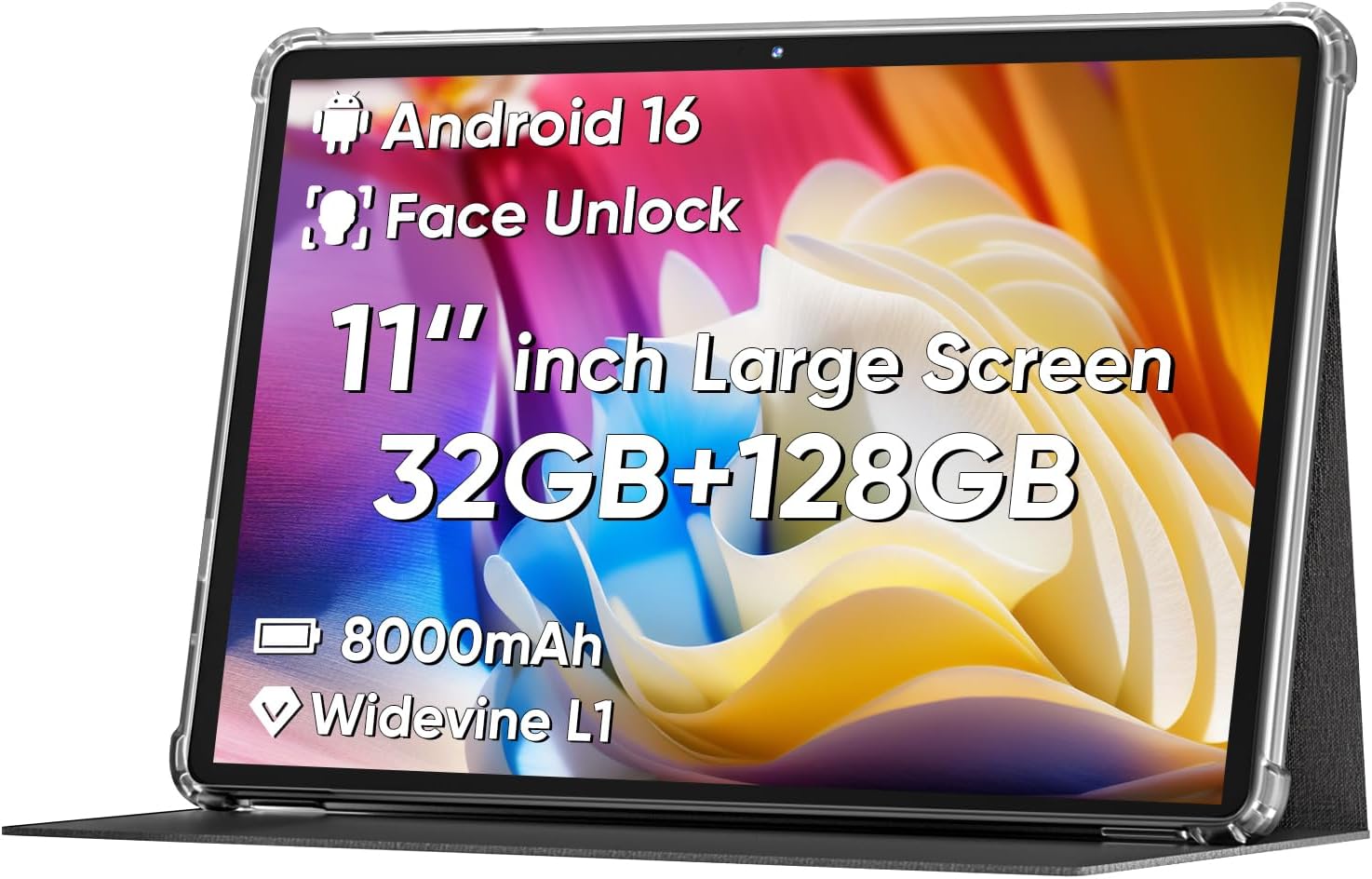
1. Samsung Galaxy Tab S11 512GB Wi-Fi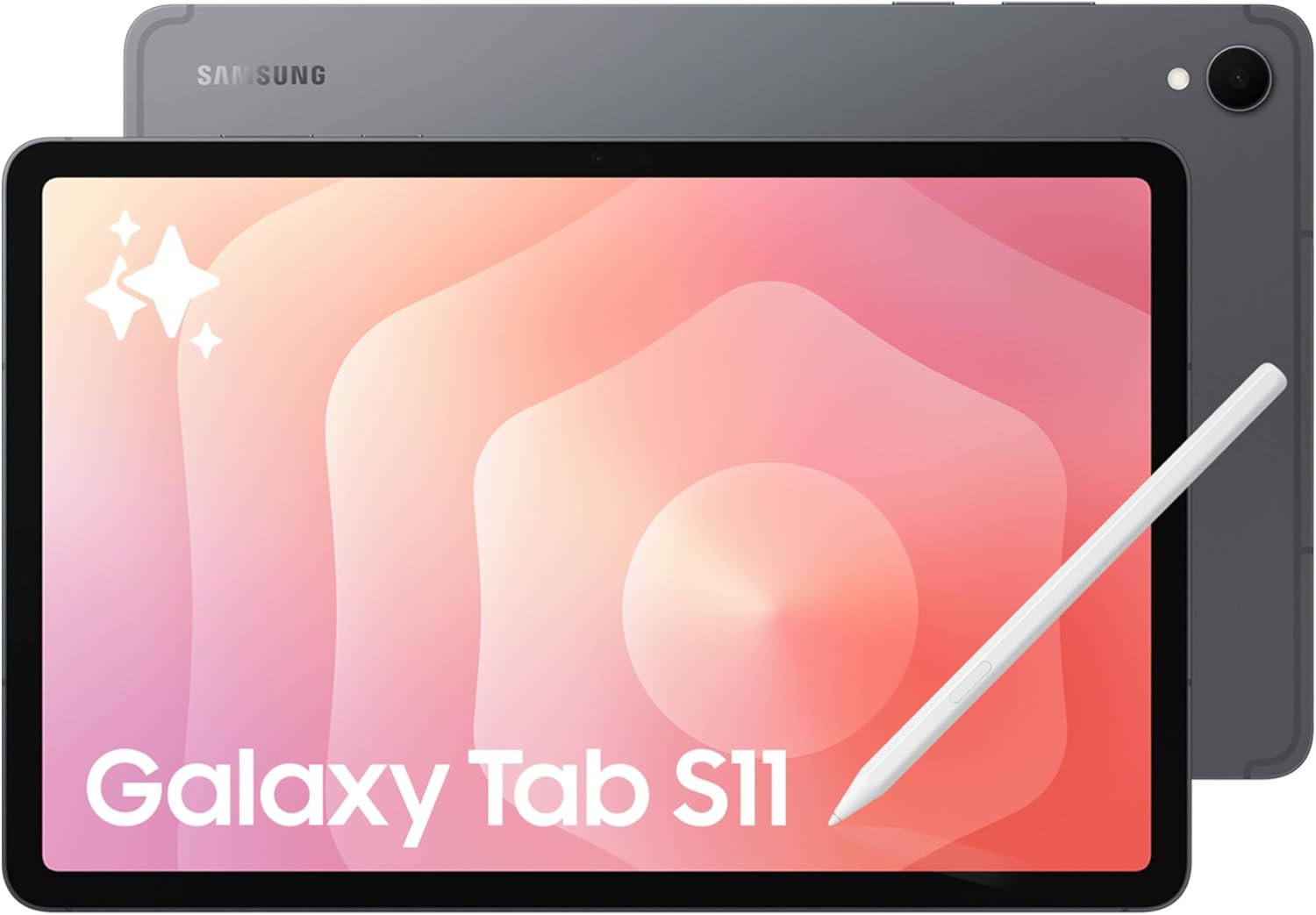 SAMSUNG | 2. Samsung Galaxy Tab S10 Lite 10.9-Inch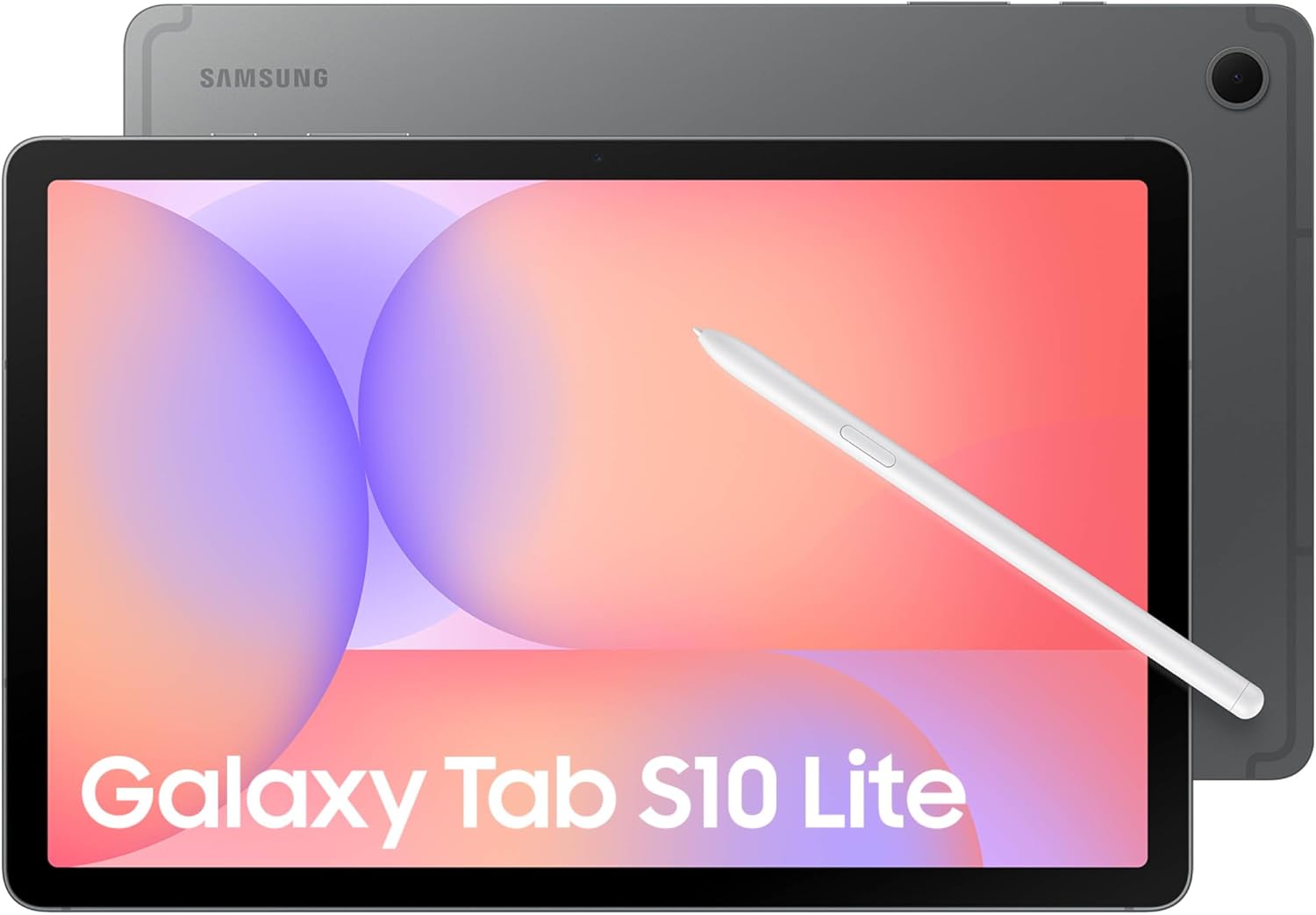 SAMSUNG | 3. Samsung Galaxy Tab A11+ 11-Inch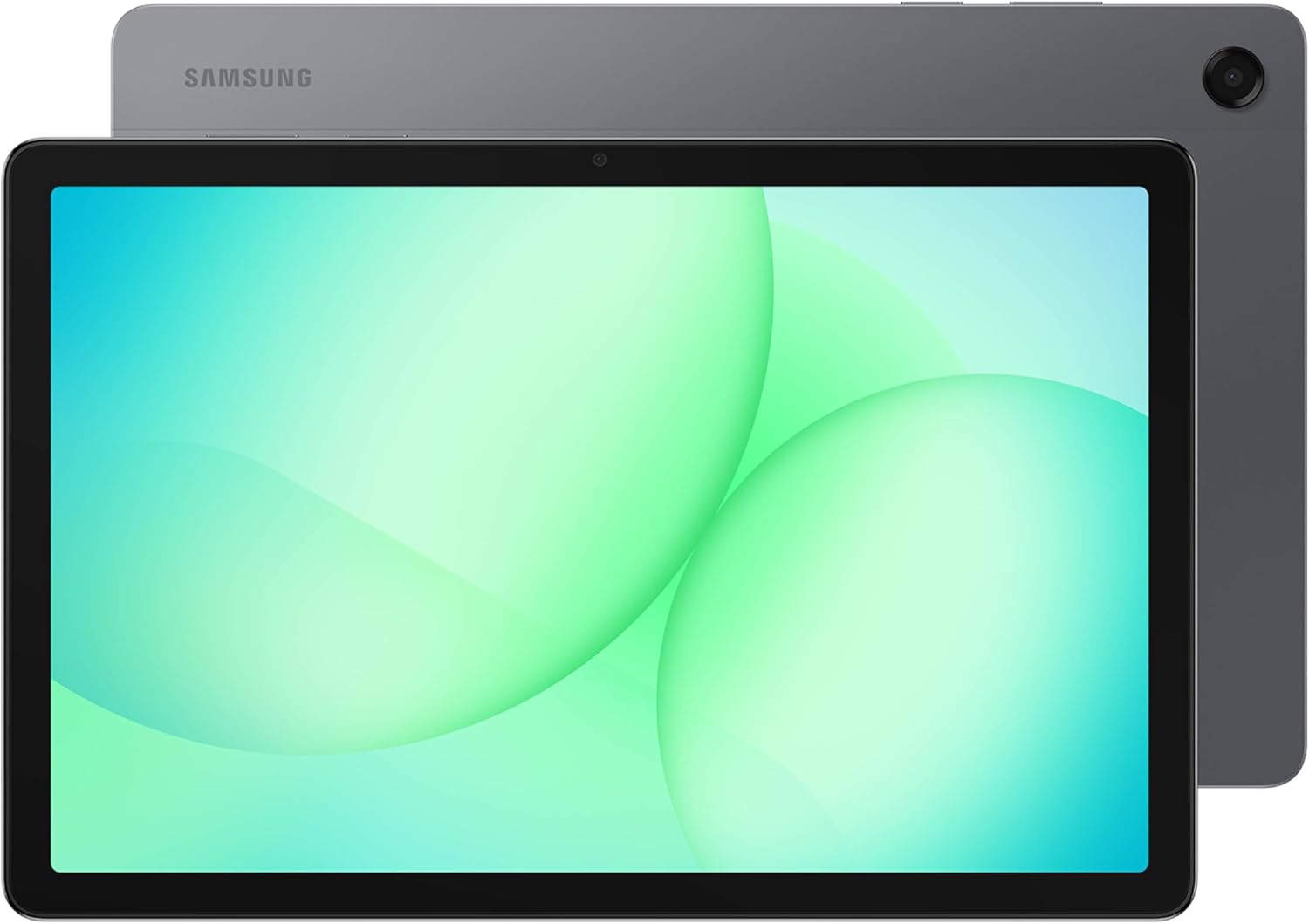 SAMSUNG | 4. Samsung Galaxy Tab S10 FE 10.9-Inch with S Pen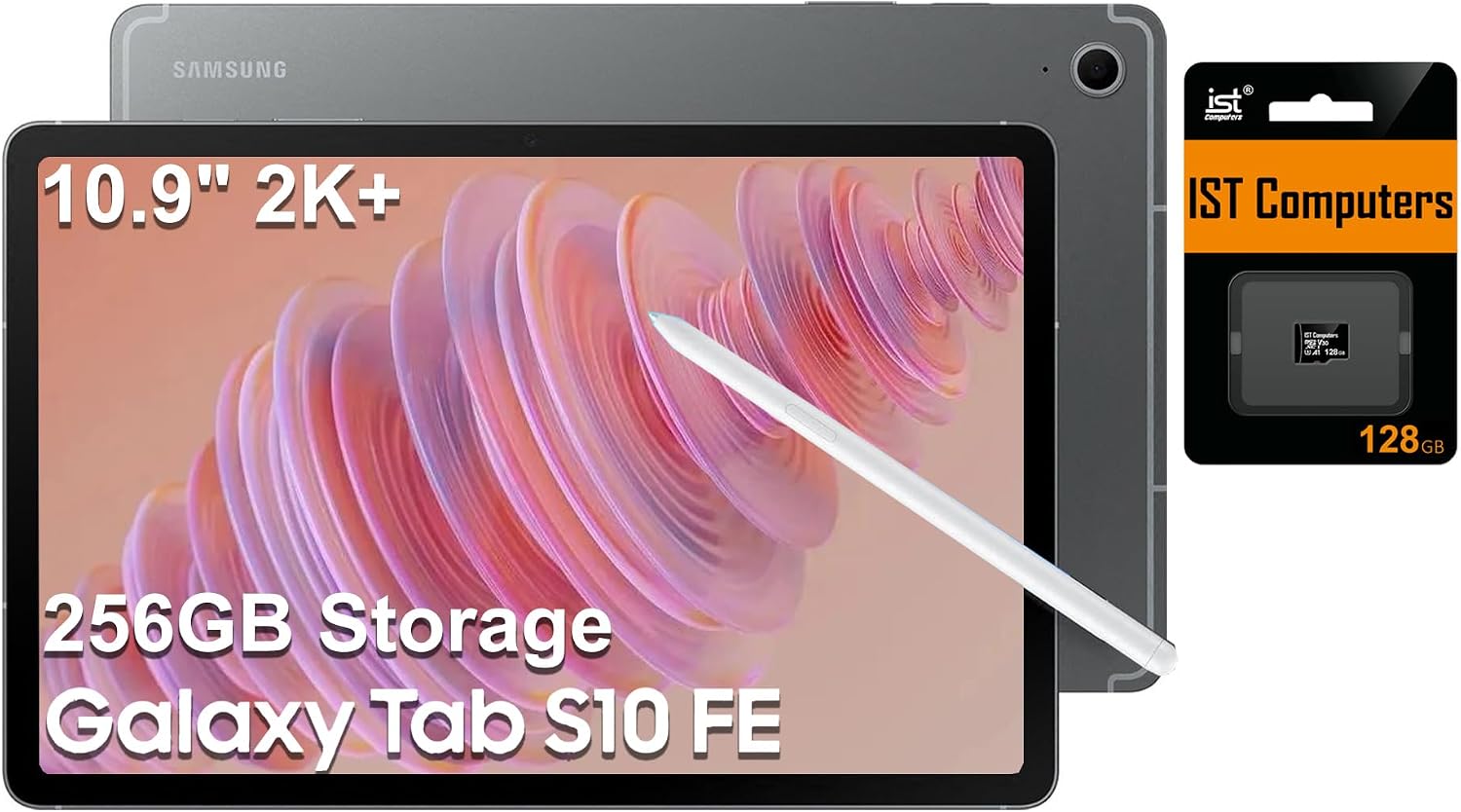 SAMSUNG | 5. ApoloMedia 11-Inch Android 16 Tablet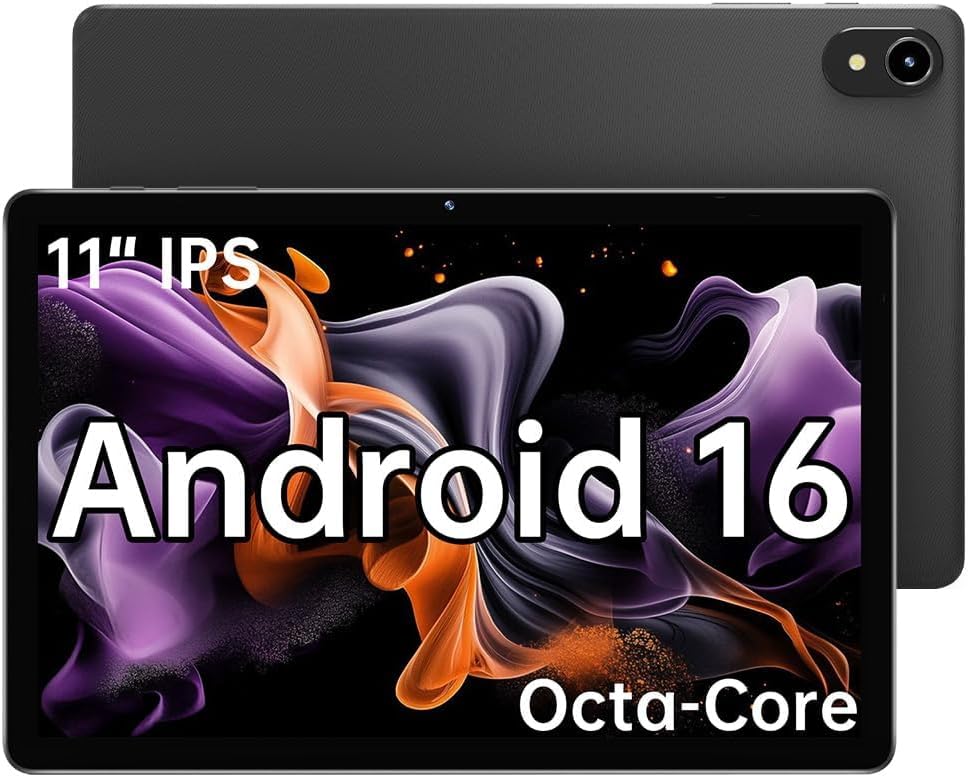 APOLOMEDIA | |
|---|---|---|---|---|---|
| Our Score | 9.7 | 9.4 | 9.2 | 9 | 8.4 |
| Deal | — | — | — | — | — |
| Brand | Samsung | Samsung | Samsung | Samsung (seller: ist computers) | ApoloMedia |
| Screen | 11-inch Dynamic AMOLED 2X | 10.9-inch LCD | 11-inch display | 10.9-inch WUXGA+ touchscreen | 11-inch HD IPS |
| Resolution | 2560 x 1600 | 2112 x 1320 | 1920 x 1200 | 2304 x 1440 | 1280 x 800 |
| Storage | 512GB | 128GB, up to 2TB expansion | 128GB expandable | 256GB listed total (128GB + 128GB SD) | 128GB, up to 1TB expansion |
| Processor | 3nm MediaTek | Exynos 1380 | MediaTek MT8775 | Exynos 1580 | Octa-core |
| Battery | Not extracted | Long battery life | 7,040mAh | Up to 20 hours claimed | 7,000mAh |
| S Pen | S Pen included | S Pen included | Not included | S Pen included | Not listed |
| Durability | IP68 | IP42 | IP52 | Not extracted | Not extracted |

Samsung Tablet Buying Guide
When asking what is a good Samsung tablet to buy, start with your main use: handwritten notes, streaming, schoolwork, travel, gaming, or a laptop-style productivity setup. Samsung Galaxy tablets share the Android ecosystem, but screen technology, S Pen support, processor speed, storage, durability, and software features vary sharply between the premium S series, midrange FE models, and value A series. This guide also identifies two non-Samsung Android alternatives so the comparison stays accurate.
Galaxy Tab S Series vs. A Series
Galaxy Tab S models are Samsung's performance-focused tablets. They typically offer better displays, faster processors, more storage options, S Pen support, and stronger productivity features. Galaxy Tab A models generally emphasize affordability, media streaming, browsing, and family use. Choose the S series when you expect demanding multitasking or creative work; choose the A series when value and basic entertainment matter most.
Screen Size, Resolution, and AMOLED vs. LCD
An 11-inch tablet is portable enough for travel while giving documents, video, and split-screen apps more space than a phone. AMOLED panels on premium Galaxy Tab models provide deeper blacks and richer contrast, while LCD panels can still look sharp for reading and streaming. Compare resolution and refresh rate together: a sharp 90Hz LCD may feel smoother than a lower-refresh premium screen for scrolling, while AMOLED is usually more impressive for movies in a dim room.
Is S Pen Support Worth Paying For?
An included S Pen changes a Samsung tablet from a streaming device into a practical note-taking and sketching tool. It is useful for handwritten notes, PDF markup, signatures, diagrams, and Samsung Notes. If you only browse, watch videos, or use casual apps, a cheaper model without a pen may be the better value. Confirm whether the pen is included in the box, because compatibility does not always mean the accessory is bundled.
Storage, microSD Expansion, and RAM
128GB is enough for many users who stream media and store documents in the cloud, but games, downloads, photos, and offline video can fill it quickly. A microSD slot adds flexibility for media libraries, although apps may not all move to removable storage. RAM affects multitasking and app reloads; compare the actual memory configuration rather than relying on a seller title that may combine RAM and storage numbers unclearly.
Processor and Battery for Everyday Tablet Use
A faster processor improves app launches, split-screen work, gaming, image editing, and long-term responsiveness. Battery capacity is only a starting point because screen brightness, refresh rate, cellular radios, apps, and video playback change runtime. Look for USB-C fast charging, a power-saving mode, and a charger that is actually included if you travel frequently.
Samsung Galaxy Tablet Comparison Chart
Use the chart below to compare the key differences across these Samsung tablets and Android alternatives. The two non-Samsung models are included for price-conscious buyers, but they should not be mistaken for Galaxy Tab devices or Samsung software support.
Productivity, Accessories, and Connectivity
For work or school, check keyboard-case compatibility, DeX or desktop-style software, external-display support, Wi-Fi generation, Bluetooth version, and camera placement for video calls. A tablet that supports a keyboard and reliable multitasking can replace a basic laptop for email and documents, but professional creative apps may still require a full computer.
Durability, Updates, and Warranty
IP ratings help protect selected Samsung models from water and dust, but they do not make a tablet indestructible. Check the exact warranty, seller reputation, software-update policy, and whether the model is a regional or international variant. Marketplace listings can combine accessories or storage cards with the tablet, so verify what Samsung itself warranties.
Who Should Buy Each Type of Tablet?
- Choose Galaxy Tab S11 for premium display quality, high storage, S Pen work, and demanding multitasking.
- Choose Galaxy Tab S10 Lite for a balanced Samsung experience with S Pen support at a lower tier.
- Choose Galaxy Tab A11+ for streaming, browsing, family use, Dolby Atmos audio, and value.
- Choose Galaxy Tab S10 FE when you want 90Hz, S Pen, expandable storage, and a school or work tablet.
- Consider ApoloMedia or COLORROOM only when lower price and basic Android use outweigh Samsung's ecosystem, display, and update advantages.
Samsung Tablet FAQ
A Galaxy Tab S10 Lite or S10 FE is a strong starting point when note-taking, PDF markup, and S Pen support matter. Check storage, keyboard compatibility, warranty, and the apps required by the school before buying.
A model with an AMOLED display is usually the most cinematic choice because of its contrast and black levels. An 11-inch LCD Galaxy Tab can still be excellent for streaming when portability, battery life, and price are more important.
No. Some Galaxy Tab S models and selected FE or Lite bundles include an S Pen, while A-series models commonly do not. Read the Included Components field for the exact listing.
128GB suits streaming, cloud documents, and moderate app use. Choose 256GB or more for large games, offline video, photos, creative files, or a tablet you plan to keep for years. A microSD slot can reduce storage pressure for media.
No. They are Android alternatives included for comparison. They may offer attractive memory, battery, or expansion specifications, but they do not provide Samsung's Galaxy software ecosystem, S Pen integration, or Samsung warranty support.
Get weekly top picks
Data-ranked products delivered to your inbox every week. Skip the research, get the winners.
No spam ever. Unsubscribe anytime. We respect your inbox.